
11 Checkout Mistakes That Reduce Sales (And How to Fix Them)
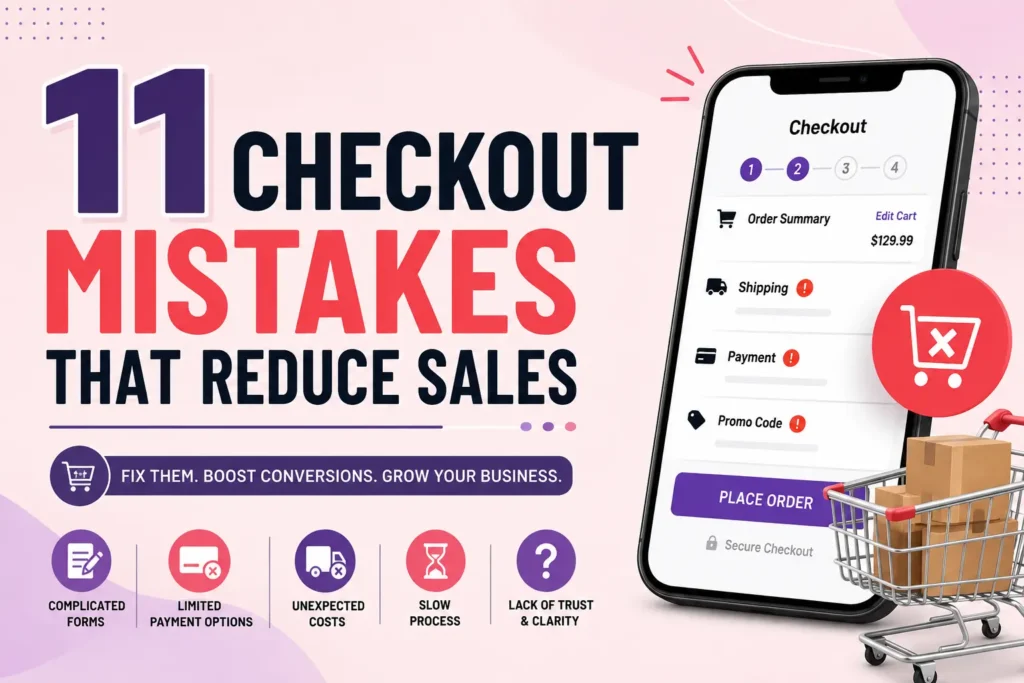
A customer has already browsed your products, compared options, and decided to buy. The hardest part of the sales journey is complete. Yet, many businesses lose customers at the final step—the checkout page.
Checkout abandonment is one of the biggest reasons for lost revenue in eCommerce. Even small issues like forcing account creation or displaying unexpected shipping costs can cause shoppers to leave without completing their purchase.
The good news is that most checkout mistakes are easy to identify and fix. By improving the checkout experience, businesses can increase conversion rates, reduce cart abandonment, and boost customer satisfaction.
In this guide, we’ll cover 11 checkout mistakes that reduce sales and practical ways to avoid them
1. Forcing Customers to Create an Account
One of the fastest ways to lose a sale is requiring shoppers to register before purchasing.
Many customers are in a hurry. They don’t want to create usernames, verify emails, or remember another password.
Why it hurts sales
- Adds unnecessary friction
- Slows down the buying process
- Increases cart abandonment
- Discourages first-time buyers
How to fix it
Offer Guest Checkout as the default option. After the purchase, invite customers to create an account using the information they’ve already entered.
This keeps the buying process simple while still encouraging future engagement.
2. Unexpected Costs at Checkout
Nothing frustrates shoppers more than seeing extra charges appear at the final step.
These include:
- High shipping fees
- Taxes
- Service charges
- Handling fees
Many customers abandon their carts immediately after seeing surprise costs.
How to fix it
Be transparent from the beginning.
Display:
- Shipping costs early
- Tax estimates
- Delivery fees
- Available discounts
Customers appreciate honesty, even if shipping isn’t free.
3. Complicated Checkout Forms
Long forms make customers work harder than necessary.
If buyers must fill out multiple pages of information, many will simply leave.
Common problems include:
- Too many required fields
- Asking for unnecessary information
- Repeating the same questions
- Poor mobile form design
How to fix it
Keep forms short.
Only request information necessary to complete the order.
Use:
- Autofill
- Address lookup
- Smart validation
- Progress indicators
Every field you remove increases the likelihood of completing the purchase.
4. Limited Payment Options
Customers expect flexibility.
If their preferred payment method isn’t available, they’ll likely abandon the purchase.
Popular payment methods include:
- Credit cards
- Debit cards
- Digital wallets
- Buy Now, Pay Later (BNPL)
- UPI
- Net banking
- Mobile wallets
How to fix it
Offer multiple secure payment methods that match your target audience.
The easier it is to pay, the higher your conversion rate.
5. Poor Mobile Checkout Experience
Most online shoppers now browse and purchase using smartphones.
A checkout page that works well on desktop but poorly on mobile can significantly reduce sales.
Common issues include:
- Small buttons
- Difficult typing
- Slow loading
- Broken layouts
- Tiny text
How to fix it
Optimize your checkout for mobile devices.
Ensure:
- Large tap targets
- Responsive design
- Fast loading
- Easy scrolling
- Mobile-friendly payment methods
A smooth mobile checkout directly improves conversions.
6. Slow Checkout Speed
Every extra second matters.
Customers expect checkout pages to load instantly. Slow websites create frustration and reduce trust.
Common causes include:
- Large images
- Too many scripts
- Poor hosting
- Unoptimized code
How to fix it
Improve page speed by:
- Compressing images
- Reducing unnecessary plugins
- Using caching
- Optimizing server performance
Fast websites consistently convert better than slow ones.
7. Weak Security Signals
Customers hesitate to enter payment information if a website appears unsafe.
Missing trust indicators reduce confidence and increase abandonment.
Examples include:
- No HTTPS
- Missing SSL certificate
- No trust badges
- Poor website design
- Suspicious payment pages
How to fix it
Build trust throughout the checkout process.
Include:
- SSL encryption
- Security badges
- Trusted payment logos
- Clear privacy policy
- Visible contact information
A trustworthy checkout encourages customers to complete their purchase.
8. Hidden or Confusing Return Policies
Customers often want reassurance before buying.
If your return policy is difficult to find—or written in confusing language—buyers may decide not to take the risk.
How to fix it
Display return information clearly during checkout.
Keep policies:
- Easy to understand
- Easy to find
- Customer-friendly
Simple return policies reduce purchase anxiety.
9. No Progress Indicator
Customers like knowing how many steps remain before completing their order.
Without a progress bar, checkout feels longer than it actually is.
How to fix it
Use a simple checkout progress indicator such as:
- Cart
- Shipping
- Payment
- Review
- Confirmation
This creates confidence and reduces frustration.
10. Poor Error Handling
Few things annoy shoppers more than submitting a form only to see a vague error message.
Examples include:
- “Something went wrong.”
- “Invalid input.”
- “Please try again.”
Without knowing what’s wrong, customers often leave.
How to fix it
Provide clear, helpful error messages.
For example:
- “Please enter a valid ZIP code.”
- “Your card number appears incomplete.”
- “Email address is required.”
Highlight errors immediately so users can fix them without restarting the checkout process.
11. No Cart Recovery Strategy
Even the best checkout experience won’t convert every visitor.
Some customers leave because they’re distracted—not because they aren’t interested.
Without a recovery strategy, those sales are lost.
How to fix it
Implement cart recovery methods such as:
- Abandoned cart emails
- SMS reminders
- Push notifications
- Limited-time discounts
- Retargeting ads
Many customers simply need a reminder to finish their purchase.
Quick Checklist to Improve Your Checkout
Checkout Element | Best Practice |
Guest Checkout | Allow purchases without registration |
Pricing | Display all costs upfront |
Forms | Keep them short and simple |
Payments | Offer multiple payment methods |
Mobile Experience | Optimize for smartphones |
Speed | Reduce page load times |
Security | Display SSL and trust badges |
Returns | Show clear return policies |
Progress Bar | Let users track checkout steps |
Error Messages | Provide clear guidance |
Cart Recovery | Send abandoned cart reminders |
Conclusion
Your checkout page is where buying decisions become actual sales. Even minor usability issues can create enough friction for customers to abandon their carts, costing your business valuable revenue.
By eliminating these 11 checkout mistakes that reduce sales, you can create a faster, simpler, and more trustworthy purchasing experience. Focus on reducing friction, improving transparency, and making checkout effortless across all devices.
Remember, every improvement you make to the checkout process has the potential to increase conversions, improve customer satisfaction, and drive long-term business growth. A smooth checkout isn’t just a convenience—it’s a competitive advantage that turns interested shoppers into loyal customers.
Frequently Asked Questions (FAQs)
1. What are the most common checkout mistakes that reduce sales?
The most common checkout mistakes that reduce sales include forcing account creation, adding unexpected shipping costs, using lengthy checkout forms, offering limited payment options, having a poor mobile checkout experience, slow page loading, weak security signals, unclear return policies, no checkout progress indicator, confusing error messages, and failing to recover abandoned carts.
2. Why do customers abandon their carts during checkout?
Customers often abandon their carts due to hidden fees, complicated checkout processes, mandatory account registration, limited payment methods, concerns about payment security, slow-loading pages, or unexpected technical issues. Reducing friction at checkout can significantly lower cart abandonment rates.
3. How can guest checkout improve conversion rates?
Guest checkout allows customers to complete their purchases without creating an account, making the buying process faster and more convenient. This reduces friction, especially for first-time shoppers, and often leads to higher conversion rates and lower cart abandonment.
4. How many payment methods should an online store offer?
There is no fixed number, but it’s best to provide a variety of payment options that match your target audience. In addition to credit and debit cards, consider offering digital wallets, Buy Now, Pay Later (BNPL) services, bank transfers, and region-specific payment methods like UPI for Indian customers.
5. Why is mobile checkout optimization important?
With a large percentage of online shoppers purchasing from smartphones, a mobile-friendly checkout is essential. Responsive design, large tap buttons, autofill support, and fast loading speeds make it easier for users to complete purchases, increasing overall sales.
6. Do trust badges really increase checkout conversions?
Yes. Trust badges, SSL certificates, secure payment icons, and clear privacy policies reassure customers that their personal and payment information is protected. These security signals help build confidence and encourage users to complete their purchases.
7. How can I reduce cart abandonment on my eCommerce website?
You can reduce cart abandonment by:
- Offering guest checkout
- Showing all costs upfront
- Simplifying checkout forms
- Providing multiple payment options
- Optimizing for mobile devices
- Improving page speed
- Displaying security badges
- Sending abandoned cart reminder emails or SMS messages
8. What is an abandoned cart recovery strategy?
An abandoned cart recovery strategy is a marketing approach that encourages customers to return and complete purchases they left unfinished. Common tactics include automated email reminders, SMS notifications, push notifications, retargeting ads, and limited-time discount offers.
9. How long should an ideal checkout process be?
The ideal checkout process should be as short as possible. Most successful eCommerce stores complete checkout in one page or three to four simple steps. Reducing unnecessary fields and clicks helps improve the user experience and increase conversion rates.
10. How often should I optimize my checkout process?
Checkout optimization should be an ongoing process. Regularly monitor analytics, conduct A/B testing, review customer feedback, and track cart abandonment rates to identify areas for improvement. Even small changes can lead to measurable increases in sales over time.
written by : SAN Marketing